
Can You Shower With Your Smartwatch? The Truth About IP68 vs 5ATM Water Resistance
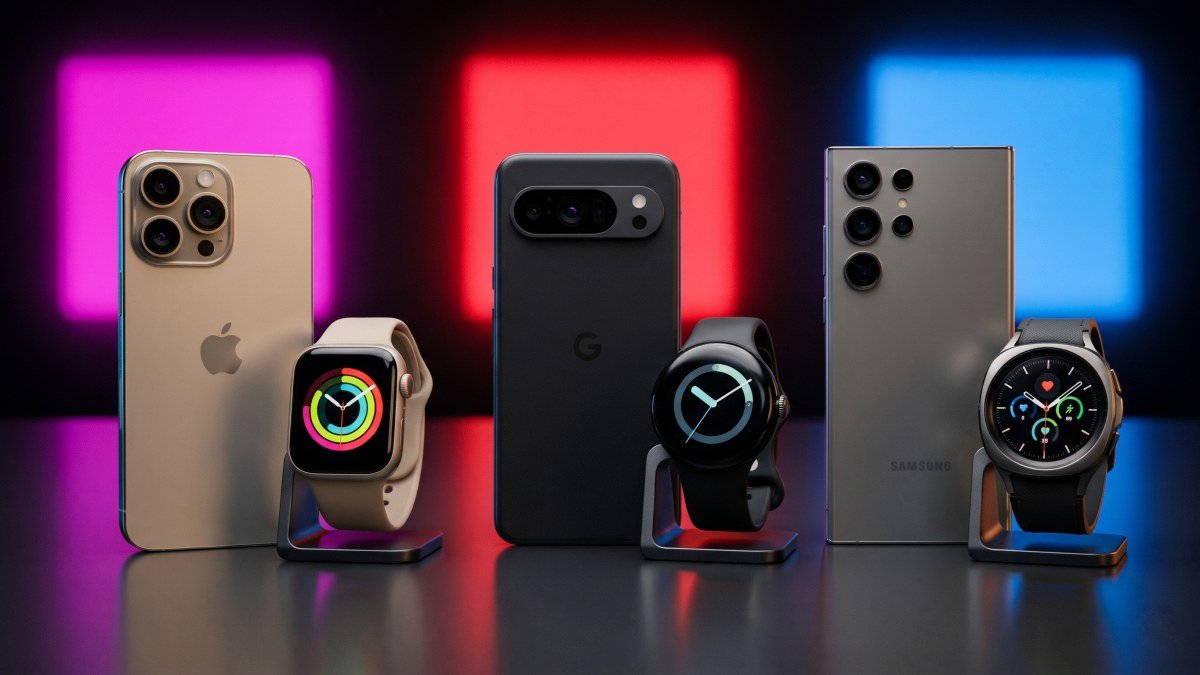
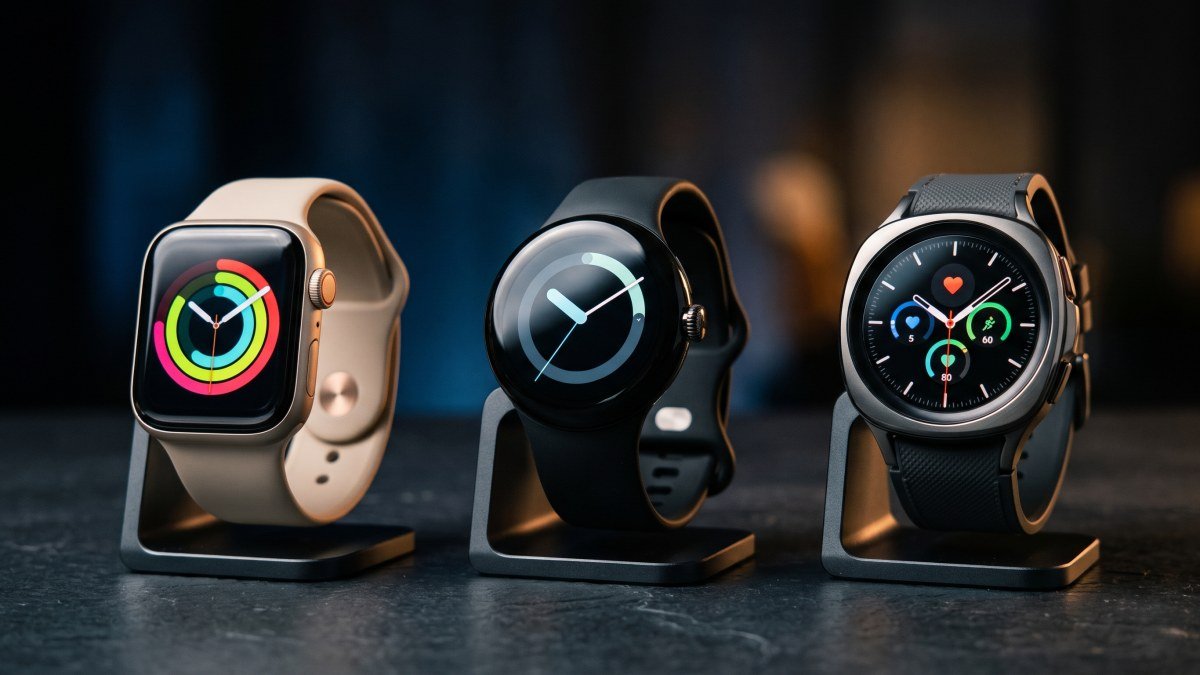
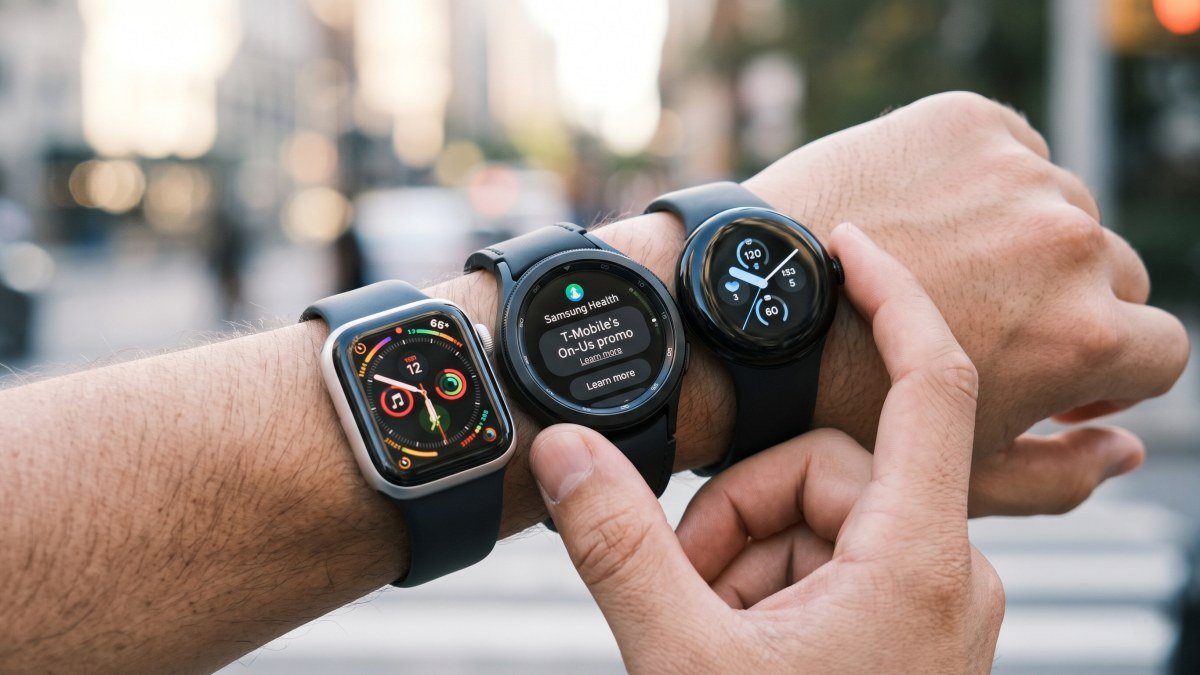
If you just strapped a brand-new Apple Watch Series 12, Samsung Galaxy Watch 9, or Google Pixel Watch 5 onto your wrist, you probably noticed the bold "5ATM" and "IP68" water-resistance ratings printed on the box. Naturally, most US smartwatch owners assume this means their $400 wearable is completely waterproof—and they jump straight into a hot shower without giving it a second thought.
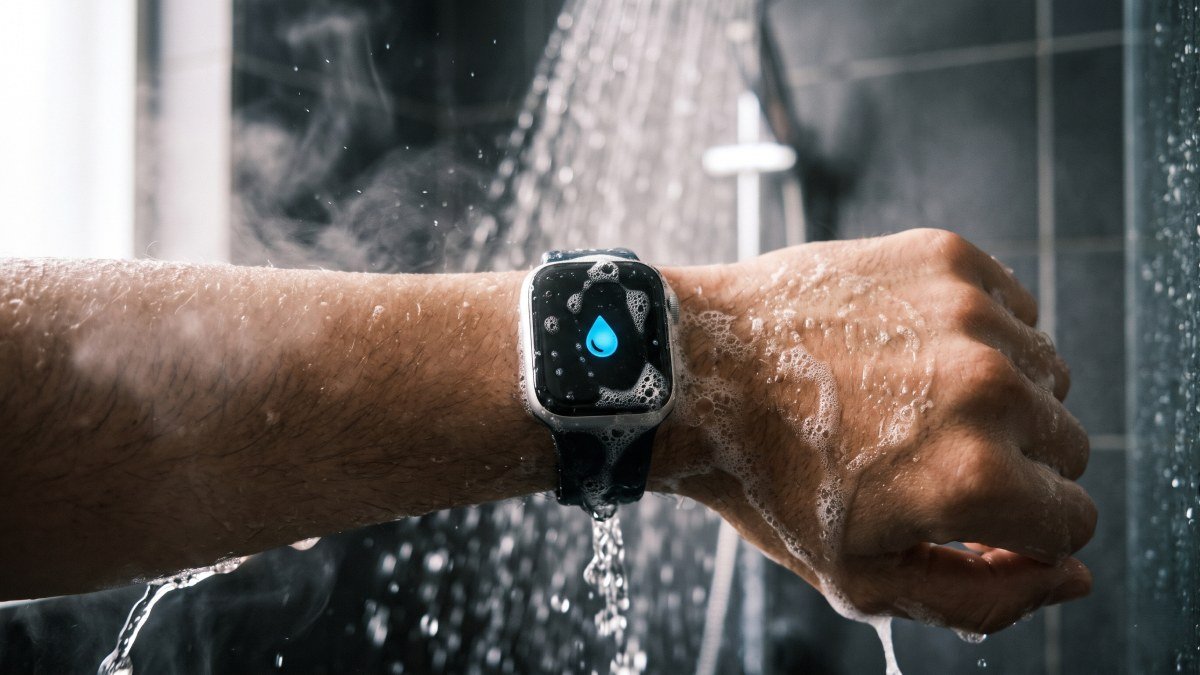
Here is the harsh truth that Apple, Samsung, and Google bury deep in their fine print: no smartwatch is truly waterproof, and wearing yours in a hot shower is one of the fastest ways to permanently destroy it.
Even more frustrating, standard manufacturer warranties—including Apple’s 1-year limited warranty and Samsung’s standard coverage—explicitly do not cover liquid damage. If steam or soapy water sneaks past your watch’s degraded gaskets, you are stuck paying hundreds of dollars out of pocket for a replacement. Here is the definitive breakdown of what IP68 vs. 5ATM actually means, why hot showers and soap are silent killers, and how to safely swim with your smartwatch in pools or the ocean.
The Short Answer: Can You Shower With a Smartwatch?
Technically, rinsing your smartwatch under cool, clean tap water is completely fine. However, taking a normal hot shower with soap, shampoo, and conditioner is strongly discouraged by every major manufacturer.
While a single accidental shower probably will not instantly brick your watch, doing it daily causes cumulative, invisible damage. Over a few months, the combination of high heat, pressurized water jets, and chemical surfactants breaks down the microscopic rubber O-rings and adhesive seals keeping water away from your watch's logic board.
IP68 vs. 5ATM vs. 10ATM: What the Ratings Actually Mean
One of the biggest points of confusion in consumer tech is the difference between IP68 and 5ATM. Many buyers assume 5ATM means you can scuba dive 50 meters (164 feet) underwater. That is a dangerous myth.
Water resistance ratings are tested in sterile laboratories using static, room-temperature fresh water. They do not account for the dynamic pressure of a high-powered showerhead, diving off a board, or crashing ocean waves.
| Rating | Lab Test Standard | Safe Real-World Use | Not Safe For |
|---|---|---|---|
| IP68 | Dust-tight ("6"); static freshwater submersion up to 1.5m for 30 mins ("8"). | Rain, washing hands, heavy sweat, accidental drops in a sink. | Swimming, hot showers, water sports, ocean waves. |
| 5ATM (50m) | Withstands static pressure equivalent to 50 meters (164 ft) of depth. | Shallow-water pool swimming, lap tracking, calm ocean wading. | Hot showers, saunas, jet skiing, cliff diving, scuba diving. |
| 10ATM / EN13319 | Withstands 100m static pressure; EN13319 certifies recreational diving up to 40m. | High-speed water sports, surfing, recreational scuba diving (e.g., Apple Watch Ultra 4). | Saunas, steam rooms, soapy hot showers, deep technical diving. |
Swipe sideways to see all table columns →
- Lab Test Standard
- Dust-tight ("6"); static freshwater submersion up to 1.5m for 30 mins ("8").
- Safe Real-World Use
- Rain, washing hands, heavy sweat, accidental drops in a sink.
- Not Safe For
- Swimming, hot showers, water sports, ocean waves.
- Lab Test Standard
- Withstands static pressure equivalent to 50 meters (164 ft) of depth.
- Safe Real-World Use
- Shallow-water pool swimming, lap tracking, calm ocean wading.
- Not Safe For
- Hot showers, saunas, jet skiing, cliff diving, scuba diving.
- Lab Test Standard
- Withstands 100m static pressure; EN13319 certifies recreational diving up to 40m.
- Safe Real-World Use
- High-speed water sports, surfing, recreational scuba diving (e.g., Apple Watch Ultra 4).
- Not Safe For
- Saunas, steam rooms, soapy hot showers, deep technical diving.
Notice the critical takeaway: IP68 and 5ATM are not interchangeable. IP68 is a durability rating for accidental splashes and dust, while 5ATM is the minimum baseline required for intentional swimming. Most flagship wearables in our Best Smartwatches of 2026 guide carry both IP68 and 5ATM ratings, while rugged models like the Apple Watch Ultra 4 step up to 10ATM (100m) with EN13319 dive certification.
Why Hot Showers, Soap, and Steam Destroy Smartwatch Seals
If your 5ATM smartwatch can survive 30 minutes of lap swimming in a pool, why is a 10-minute shower so dangerous? It comes down to three physical and chemical enemies that lab tests never simulate:
- Soap and Shampoo Break Surface Tension: Water naturally has high surface tension, which helps it bead up and stay outside tiny speaker grilles and microphone ports. Soaps, body washes, and shampoos contain chemical surfactants that drastically lower water's surface tension. This allows soapy water to effortlessly slip through microscopic acoustic membranes that normally block plain water.
- Steam Penetrates Solid Seals: Water vapor (steam) molecules are exponentially smaller than liquid water droplets. When you take a steaming hot shower or sit in a sauna, hot vapor can pass directly through the watch's waterproof gaskets. Once you step out into a cool bathroom, that trapped vapor condenses back into liquid water inside your smartwatch, corroding the motherboard from within.
- Heat Softens Adhesives: Modern smartwatches rely on precision-cut adhesives to glue the OLED glass display to the aluminum or titanium frame. Repeated exposure to hot water (above 104°F / 40°C) softens these adhesives, causing the seal to warp and eventually fail.
Is Your Smartwatch Safe in Pools and Salt Water?
Yes—with strict post-swim maintenance. If your watch has a 5ATM or 10ATM rating, you can safely wear it in chlorinated swimming pools and calm ocean water. However, both environments leave behind corrosive residue that will ruin your watch if ignored.
Chlorine in swimming pools is a harsh chemical that gradually dries out and cracks rubber O-rings. Salt water is even worse: as ocean water evaporates off your watch, it leaves behind microscopic salt crystals inside the Digital Crown, side buttons, and speaker vents. These crystals jam mechanical buttons and aggressively corrode metal charging contacts.
4 Essential Steps to Protect Your Smartwatch Around Water
You do not need to baby your wearable, but following a simple 30-second routine will easily add years to its lifespan—just like avoiding bad charging habits detailed in our battery calibration myth guide:
- Take It Off Before Showering: Use your daily 15-minute shower as the dedicated time to drop your watch on its charger. Your battery stays topped up, and your water seals stay intact.
- Always Rinse After Swimming: Immediately after leaving a chlorinated pool or the ocean, hold your smartwatch under cool, low-pressure fresh tap water for 10 to 15 seconds while gently spinning the crown or pressing the buttons to flush out salt and chlorine.
- Run the Water Eject Feature: Use the built-in Water Lock / Water Eject tool on your Apple Watch, Galaxy Watch, or Pixel Watch. It plays a specific low-frequency sound wave through the speaker to physically vibrate trapped water droplets out of the grille.
- Dry Thoroughly Before Charging: Never snap a wet smartwatch onto a magnetic charger. Pat it completely dry with a lint-free microfiber cloth to prevent electrical shorting or corrosion on the rear sensors.
The Bottom Line
Water resistance is not a permanent condition; it naturally degrades over time as your watch endures everyday bumps, drops, and temperature swings. Treat IP68 as splash protection, treat 5ATM as pool-ready swim protection, and keep your watch completely out of hot showers, saunas, and soapy water. Taking it off for ten minutes a day is the easiest way to ensure your $400 investment doesn't turn into an expensive paperweight.