Pixel Charging Problems in 2026: What’s Going Wrong and How to Fix It
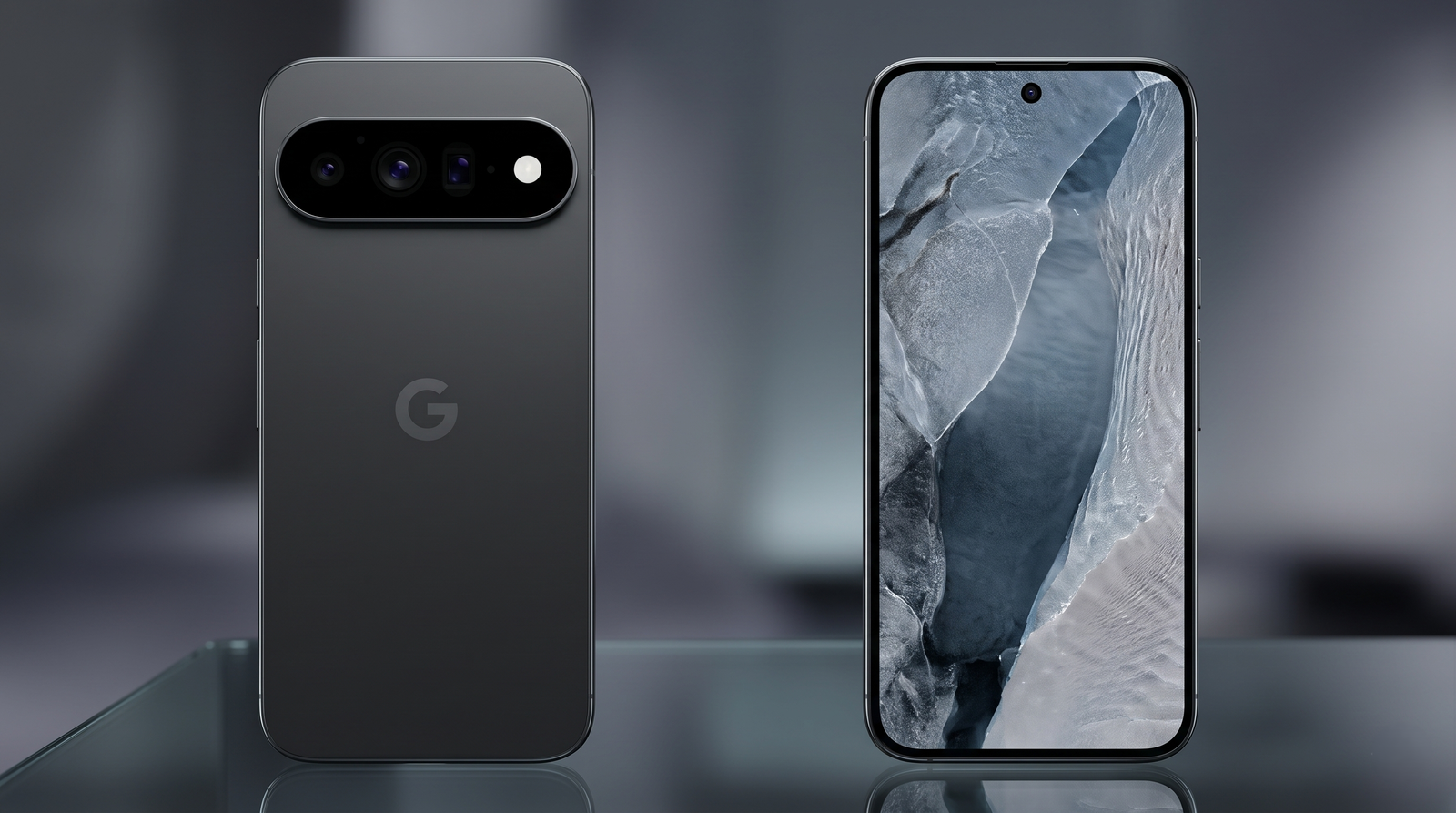
There are few modern tech frustrations quite as agonizing as plugging your smartphone in before bed, only to wake up to a device hovering at 14% battery. Over the course of 2026, a massive and highly documented wave of charging anomalies has swept through the Google Pixel ecosystem. From the older Pixel 9 series completely losing its "Fast Charging" capabilities, to the brand-new Pixel 11 Pro XL refusing to pull its advertised 45W speeds, recharging your Google device has inexplicably become a daily headache.
Recent polling from mid-2026 suggests that nearly three in five Pixel owners have encountered some form of battery or charging disruption following a series of controversial software patches. For a premium smartphone lineup that heavily markets its AI efficiency and all-day endurance, struggling to get power into the device is an unacceptable flaw.
If your Pixel is taking four hours to hit 100%, stopping arbitrarily at random percentages, or forcing you to hold your USB-C cable at a highly specific angle, you are not alone. Here is a comprehensive breakdown of the 2026 Pixel charging crisis, the official (and unofficial) root causes, and the exact step-by-step fixes you need to get your battery back on track.
Which Pixel Models Are Most Impacted?
The current charging dilemma is not a monolithic issue; it is a highly fragmented series of bugs that present differently depending on which generation of hardware you own. If you are trying to diagnose your device, you need to understand how the problem manifests across the lineup.
| Pixel Generation | Primary Charging Symptom | What is Actually Happening |
|---|---|---|
| Pixel 9 & 9A | Loss of "Charging Rapidly" Status | A mid-2026 software update broke the USB handshake controller. The phone fails to recognize high-wattage adapters and defaults to a slow 5W trickle charge for safety. |
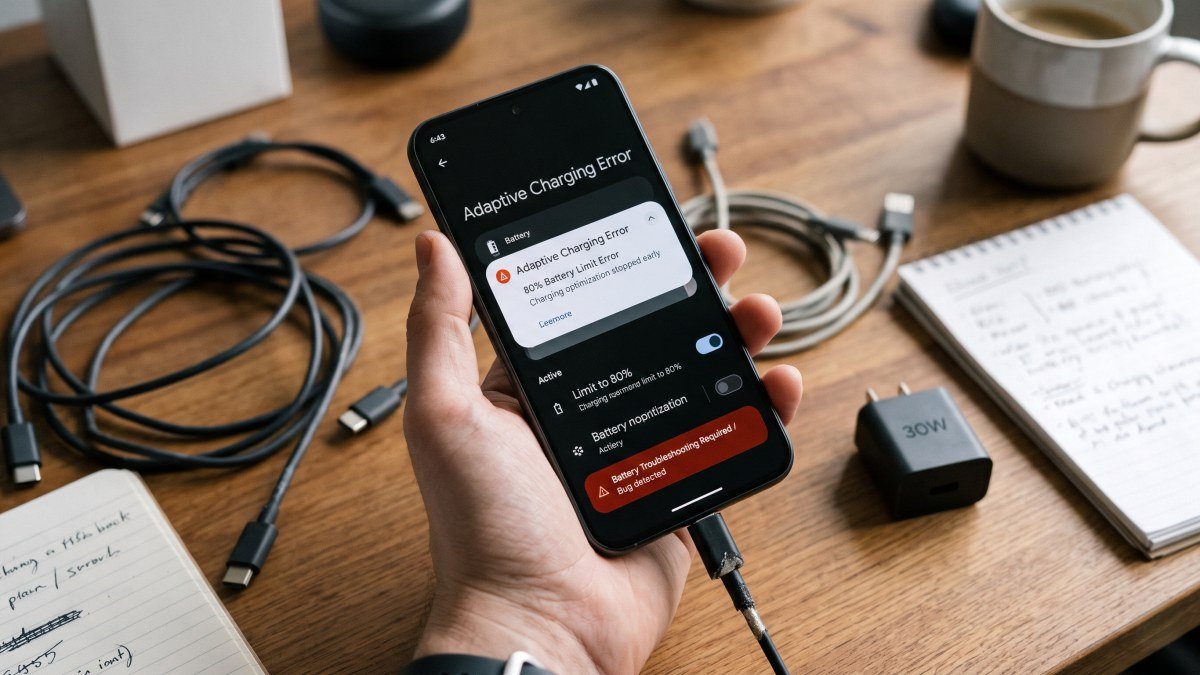
| Pixel 10 Series | The 80% Charge Cap Bug | The adaptive battery software fails to calibrate. The phone either ignores the 80% limit entirely after a reboot or stops randomly at 93% and reports "Charge Limit Reached." |
| Pixel 11 Pro XL | Will Not Charge at 45W | Users are relying on legacy adapters. To hit the advertised 45W speeds, the Pixel 11 requires a strict Power Delivery (PD) 3.0 adapter with PPS support and a 5A rated cable. |
Swipe sideways to see all table columns →
- Primary Charging Symptom
- Loss of "Charging Rapidly" Status
- What is Actually Happening
- A mid-2026 software update broke the USB handshake controller. The phone fails to recognize high-wattage adapters and defaults to a slow 5W trickle charge for safety.
- Primary Charging Symptom
- The 80% Charge Cap Bug
- What is Actually Happening
- The adaptive battery software fails to calibrate. The phone either ignores the 80% limit entirely after a reboot or stops randomly at 93% and reports "Charge Limit Reached."
- Primary Charging Symptom
- Will Not Charge at 45W
- What is Actually Happening
- Users are relying on legacy adapters. To hit the advertised 45W speeds, the Pixel 11 requires a strict Power Delivery (PD) 3.0 adapter with PPS support and a 5A rated cable.
Software Bugs vs. Hardware Failures: What is the Root Cause?
The vast majority of the 2026 complaints stem directly from software. Following an aggressive May update intended to optimize thermal management for the summer months, the internal Android software that manages the USB handshake became highly unstable. When you plug a modern Pixel in, the phone is supposed to digitally "talk" to the charging brick to negotiate the highest safe wattage. The software bug causes this handshake to fail, forcing the phone to pull a heavily restricted 5W to prevent electrical damage.
However, you cannot blame software for everything. According to independent mobile repair centers, nearly 40% of all "broken" Pixel charging ports brought into their shops are completely functional. The culprit is pocket lint. Because the Pixel spends its life in your pocket, dense fabric fibers get rammed into the USB-C port every time you connect a cable. Eventually, this lint creates a physical barrier that prevents the data pins from making a solid connection, leading to the dreaded "wobbly cable" syndrome where the phone only charges at a highly specific angle.
The 80% Charge Limit Bug Explained
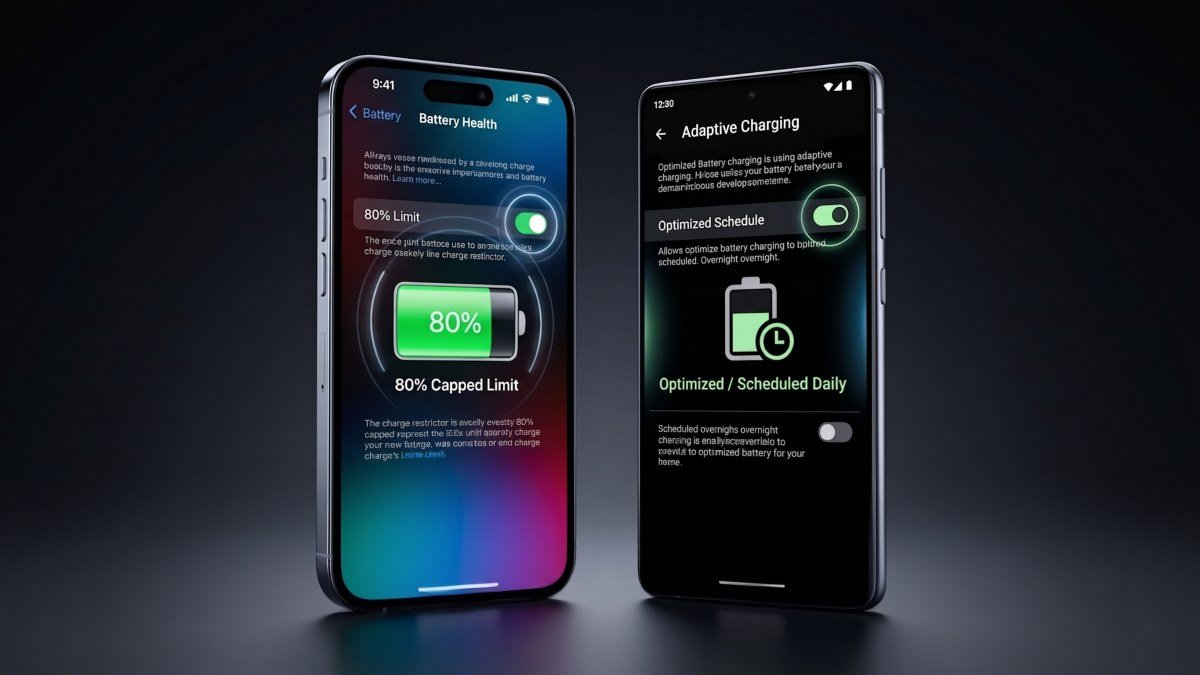
One of the most maddening software faults currently plaguing Pixel 10 and 11 owners involves the "Charge to 80%" battery preservation feature. When activated, this toggle is supposed to prevent your phone from sitting at a highly stressed 100% capacity overnight.
Instead, the software has gone completely bonkers. Users report that after a routine reboot, the phone completely ignores the setting and charges to 100%. Alternatively, some phones will charge up to 93% and then falsely display the "Charge Limit Reached" notification. Google's official forums have been flooded with complaints, and while Google engineers are aware of the problem, their suggested workarounds have been largely unhelpful.
Impact on Wireless Charging and Battery Health
If your Pixel is trapped in a software loop where it rapidly connects and disconnects from the charger, it will generate an immense amount of localized heat. Heat is the ultimate destroyer of lithium-ion and silicon-carbon battery cells. If your device is routinely burning hot while plugged into the wall, this charging bug is actively accelerating the chemical degradation of your battery.
Fortunately, the wireless charging coils operate on a completely separate hardware controller. If your USB-C port is physically damaged, heavily corroded by moisture, or suffering from the wired software handshake bug, placing your Pixel on a Qi2 certified wireless charging pad will almost always bypass the issue. While wireless charging is slower, it is a crucial diagnostic tool: if the phone charges perfectly on a wireless pad but fails via USB-C, you know the battery itself is healthy and the problem is isolated to the port or the cable.
Proven Fixes and Temporary Workarounds
You do not need to wait for a miraculous over-the-air update from Google to fix your device. Based on extensive community testing, here are the proven, step-by-step solutions to resolve the most common Pixel charging issues.
Fix 1: The 100% Shield Calibration (For the 80% Bug)
If your 80% charge limit is malfunctioning, the system has lost its battery calibration. You must force the software to re-learn the battery's maximum capacity.
- Turn off the 80% charge limit toggle in your battery settings.
- Plug the phone in and let it charge all the way to 100%.
- Do not unplug the phone. Leave it connected to the wall for an additional 1 to 2 hours.
- Wait until a small "Shield Icon" appears over the battery indicator in the status bar. This signifies that the deep calibration is complete.
- Once the shield appears, turn the 80% limit back on. The phone will now respect the cap accurately.
Fix 2: Clearing the Device Health Services Cache
If the calibration trick fails, the app responsible for managing your battery stats is likely corrupted.
- Navigate to Settings > Apps > See all apps.
- Scroll down and tap on Device Health Services.
- Tap on Storage & cache, then select Clear Storage (or Clear Data).
- Perform a hard restart by holding the power button and selecting "Restart." Do not perform a factory reset. This clears the corrupted handshake data and often instantly restores "Charging Rapidly" functionality.
Fix 3: The Toothpick Lint Extraction
If your cable is wobbly or falls out easily, grab a wooden toothpick (never use metal pins or paperclips, as they will short out the 24 internal pins). Shine a flashlight into the USB-C port. Gently scrape the back wall of the port. You will likely pull out a dense, felt-like plug of pocket lint. Once cleared, the cable will lock back in with a satisfying click, restoring full charging speeds.
A Direct Warning for New Pixel 11 Buyers
If you are upgrading to the brand-new Pixel 11 series this holiday season, you must understand that Google no longer includes a charging brick in the box. Many buyers are plugging their $1,299 Pixel 11 Pro XL into an ancient 18W adapter from a Pixel 4 and complaining that the phone will not charge at the advertised 45W speeds.
The Pixel 11 series utilizes the highly strict Programmable Power Supply (PPS) protocol. To achieve 45W charging, you must purchase a modern Power Delivery (PD) 3.0 adapter that explicitly lists "PPS support" on the box (brands like Anker or Ugreen are highly reliable). Furthermore, a standard, cheap gas-station USB-C cable will bottleneck the current. You must use a cable specifically rated for 5 Amps (5A / 100W) to unlock the maximum charging velocity of the Tensor G6 chip.
When to Contact Google Support or Seek a Replacement
While software bugs and lint accumulation account for 90% of the charging headaches in 2026, catastrophic hardware failures do occur. You should immediately contact Google Support for an RMA warranty replacement if you experience any of the following symptoms:
- The USB-C port physically moves or wiggles inside the chassis of the phone (indicating a broken logic board mount).
- The phone was exposed to heavy moisture or salt water, and you receive a persistent "Liquid or Debris in Port" warning that disables the port for more than 48 hours.
- You smell a distinct burning or metallic ozone scent when the cable is plugged in.
Google’s hardware is phenomenal when it works properly. By ensuring your physical port is clean, utilizing the correct PPS-certified charging bricks, and forcing the Device Health Services app to recalibrate your battery, you can bypass the frustrations of the 2026 software updates and get back to enjoying your device.